Virtual Desktops Explained: A No-Nonsense Primer for IT Leaders
VDI isn't magic, and it isn't a gimmick. It's a serious architectural choice with real wins and real tradeoffs — and after over a million deployments, we can tell you exactly where the math works.
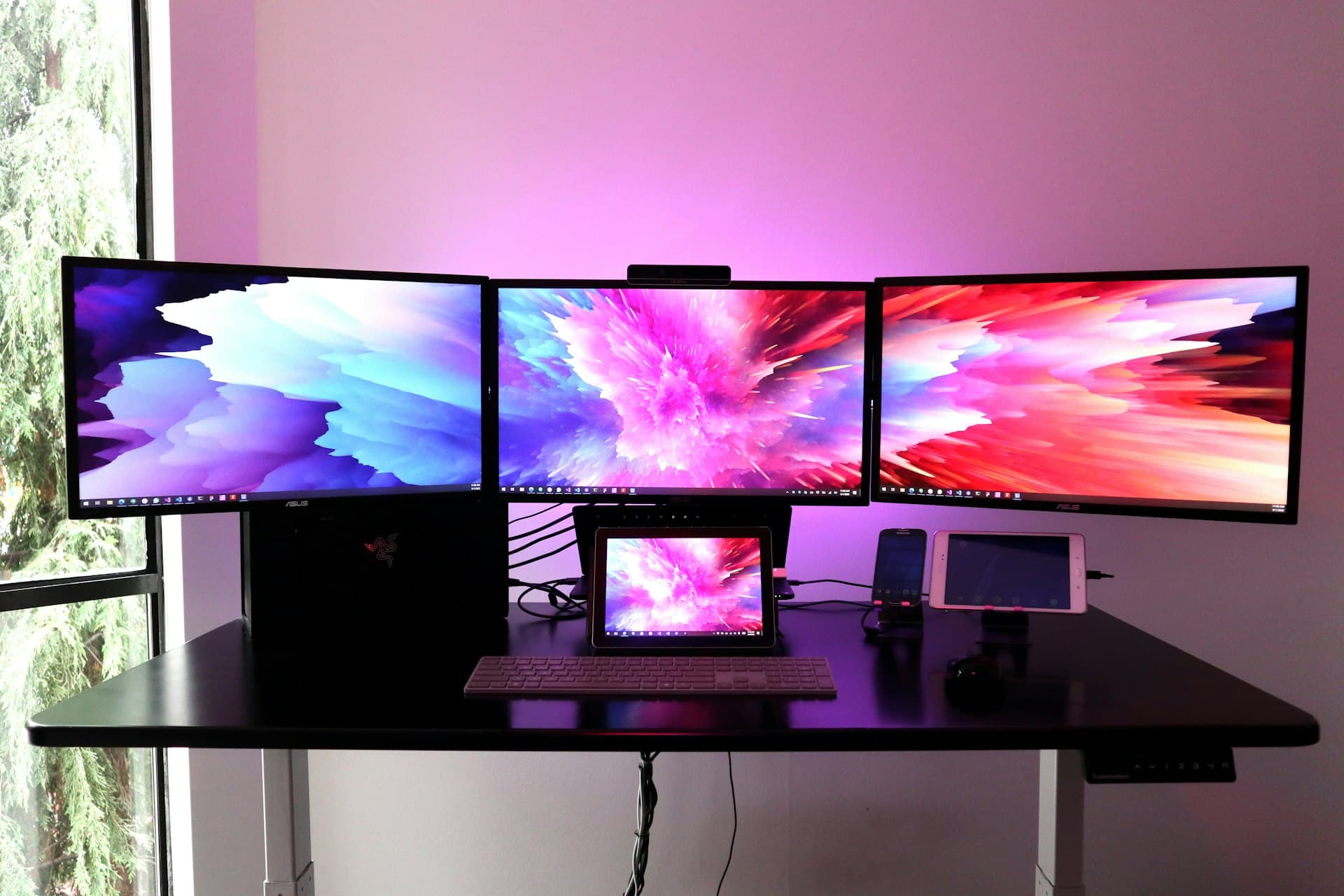
I've lost count of how many meetings I've sat in where somebody asks, "So what actually is a virtual desktop, and why should I care?" It's a fair question, and the honest answer is different from the marketing version. Our team has deployed more than a million VDI seats over the years, and I can tell you up front: VDI is a fantastic fit for some organizations, a poor fit for others, and most of the time, the difference comes down to whether leadership understood what they were buying.
This post is the primer I wish more IT directors had read before their first VDI project.
What a Virtual Desktop Actually Is
A virtual desktop is a Windows (or Linux) desktop operating system running inside a virtual machine on a server in a data center, delivered to a user's endpoint over the network. The user sees their desktop, their apps, their files — but none of it is actually running on the device in front of them. The device is just displaying pixels and forwarding keystrokes.
There are two broad flavors you'll hear about:
Persistent VDI, where every user has their own dedicated virtual machine that survives between logins. Their settings, their installed apps, their desktop wallpaper — all of it is preserved. This looks and feels like a normal PC, just remote.
Non-persistent VDI (or "pooled"), where users get a fresh desktop from a template every time they log in. Their files and settings live in a profile service that reattaches on login, but the underlying VM is disposable. This is cheaper, easier to secure, and more annoying to users who customize their environment.
Underneath both, you have a broker (the software that decides which VM a user connects to), a connection protocol (PCoIP, HDX, Blast, RDP), profile management, and a storage backend that has to handle the ugliest IO pattern in IT: boot storms.
Why Anyone Does This
There are four reasons VDI actually earns its cost, and they all need to be true for the numbers to work.
Reason one: centralized security. No data ever leaves the data center. A lost or stolen endpoint contains nothing. Patch management happens in one place. Ransomware on an endpoint doesn't reach the golden images in the back. For regulated industries, this single benefit is often the entire business case.
Reason two: heterogeneous endpoints. If your workforce uses a mix of Windows, Mac, Chromebook, tablets, and personal devices, VDI lets you deliver a uniform corporate desktop to any of them. BYOD programs only really work with VDI or its close cousin, DaaS.
Reason three: long-lived or legacy applications. Got an ERP client from 2008 that only runs on Windows 10? A CAD package with a per-seat license that needs a GPU? VDI lets you pin the environment once and serve it to everyone without touching individual endpoints.
Reason four: distributed or contract workforces. Onboarding a new hire in 15 minutes instead of two days. Offboarding a contractor by disabling an account instead of chasing a laptop. These sound like small wins; at scale they are massive.
Why People Regret VDI Projects
And now the other side, because you will not hear this from vendors.
Cost surprises. The license stack for a modern VDI deployment — hypervisor, broker, Windows, Office, profile management, backup, monitoring — is nontrivial. Add GPU licenses for any modern workload and it gets expensive fast. We've seen customers quoted a price per seat that doesn't include half the software they'll actually need.
Underspecified storage. A boot storm (everyone logging in at 8 AM) can generate IOPS numbers that make traditional storage cry. If the storage was sized for average steady-state IOPS, the whole deployment feels like molasses on Monday morning and nobody can diagnose it. We've rescued projects where the storage backend needed to be replaced in year one because nobody ran a realistic boot-storm test.
Network dependency. VDI turns every user's productivity into a function of network quality between them and the data center. Fine in an office with a good WAN. Rough in a coffee shop. Miserable over a VPN during an outage. If your user population lives on unreliable networks, you need to plan for this before you deploy, not after.
User experience gap for creative and developer workloads. VDI has gotten genuinely good for knowledge workers. For video editors, 3D artists, or developers compiling large codebases, it's still a compromise unless you're willing to pay for GPU-backed instances and a top-tier protocol tuned for the workload.
How We Scope a VDI Project
When a customer asks us for VDI, we don't start with the platform. We start with four numbers.
User persona count. How many distinct groups of users do you have, and what does each group need? A call center user, a finance user, a traveling executive, a graphic designer, and a developer need five different configurations. Treat them the same and you'll overspend on four of them and underserve the fifth.
Concurrency. How many users will be logged in at peak simultaneously? This is the number that drives sizing, not the total seat count. Most VDI deployments can safely plan for 70 to 85 percent concurrency. Some verticals (healthcare shift work, for example) go higher.
IOPS per user. This varies wildly by workload. A lean knowledge worker might need 10 to 20 IOPS sustained, 50 IOPS peak. A heavier user with Office, Outlook, Teams, Chrome with 30 tabs, and a CRM client can push 40 to 80 IOPS sustained and hundreds at login. Size for reality, not for the brochure.
Network budget. Round-trip latency under 50 ms gives a great experience. 50 to 100 ms is workable for most tasks. Over 150 ms and users start complaining even if bandwidth is fine. Measure it from the actual places your users work, not from the data center.
Get those four numbers right and the platform decision is almost mechanical. Get them wrong and no platform will save you.
Where DaaS Fits
"Desktop as a Service" is VDI somebody else is running — Azure Virtual Desktop, Windows 365, Citrix DaaS, and a long list of others. It shifts the capex to opex, hands the platform ops to a provider, and gets you running faster. In exchange, you pay more per seat over time and give up some control.
For small deployments (under 100 seats) and short time horizons, DaaS almost always wins. For larger deployments with stable user counts and good in-house virtualization skills, a well-run on-prem or private-cloud VDI deployment is cheaper over a three-year horizon. Past five years, the gap gets wide.
What to Carry Into the Next Architecture Review
- VDI is a serious architectural choice, not a feature. It changes how you buy storage, how you design networks, how you manage identity, and how your help desk works.
- The business case is usually security, mobility, or application control — not cost. If somebody sold it to you as a cost-saver alone, the numbers probably won't hold up.
- Size for reality, not for the brochure. Measure your users, test the boot storm, and pay attention to the person who says "this isn't going to work" in the design review.
Virtual desktop infrastructure
VDI experience for environments that depend on it
Logical Front has delivered more than 1M VDI deployments and continues to manage virtual desktop environments, including Citrix deployments. VDI remains an important option when workflow, security, application, and endpoint requirements make it the right fit.
Plan or improve a virtual desktop environment
Review user workloads, application requirements, endpoint constraints, and operating needs with Logical Front.
Schedule a VDI Consultation