Why Businesses Are Embracing DevOps Automation (And What Actually Works)
The CI/CD, IaC, and monitoring-as-code patterns that actually move the needle — and the ones that waste engineering effort.
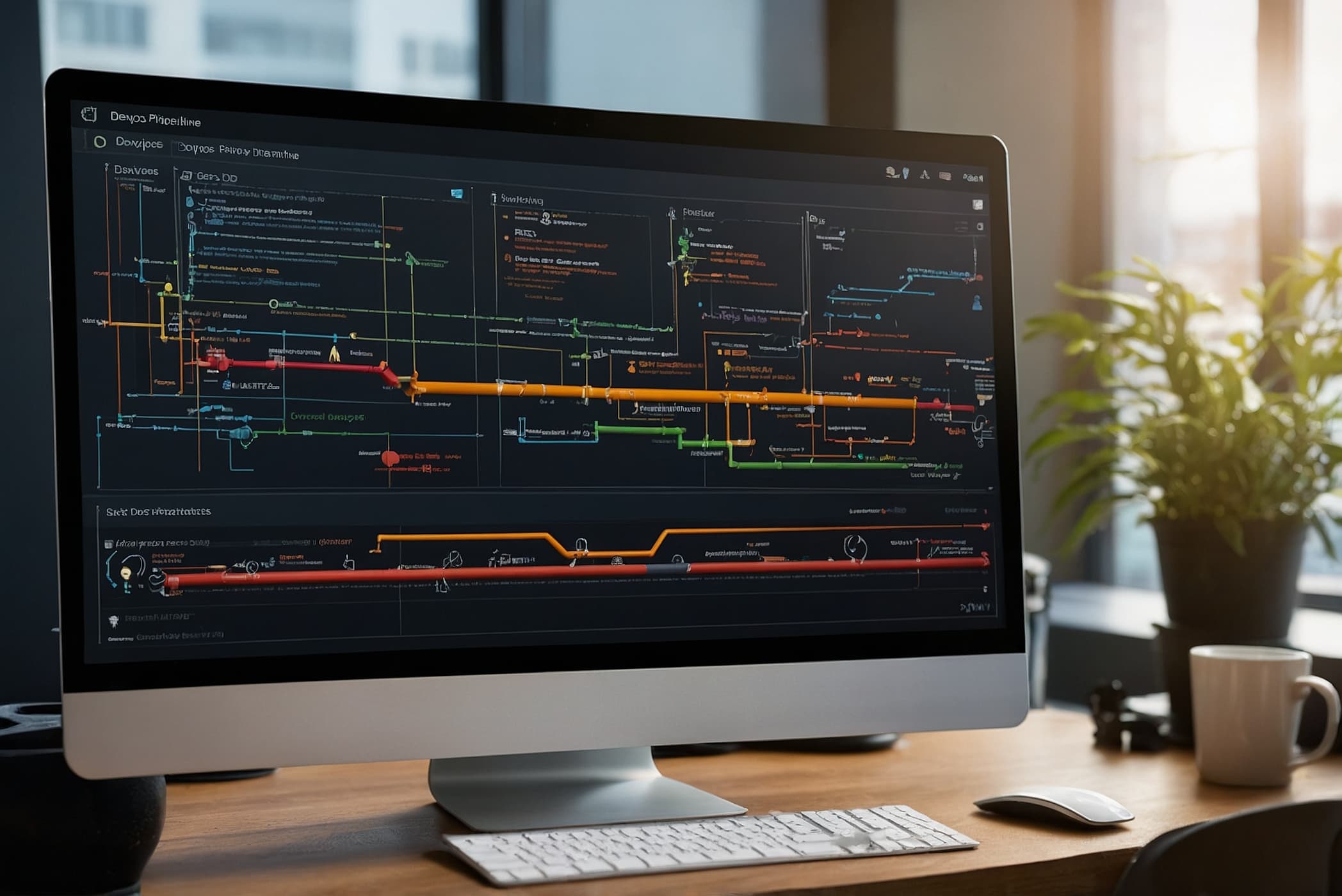
DevOps automation is the thing companies talk about more than they do. Almost everyone has "CI/CD" in some form. Very few have automation that actually reduces toil, shortens incidents, or makes it safer to deploy on a Friday afternoon. The difference is mostly in what gets automated and how deeply.
Here are the four reasons DevOps automation is worth the effort when it's done right, and the specific patterns we recommend for each.
1. Deployment Frequency Correlates With Reliability
This is counterintuitive and well-documented. The teams that deploy more often have fewer production incidents and shorter recovery times. It's not because deployments are inherently safe — it's because teams that deploy often have built the automation, monitoring, and rollback capabilities that make deployment safe.
A team that deploys once a quarter is terrified of each deployment. A team that deploys 20 times a day treats deployment as a non-event. The only way to get from the first to the second is to automate the path between them.
What "good" looks like:
- Every commit to main runs a pipeline. Unit tests, integration tests, security scans, build, deploy to a staging environment.
- Staging is real. Same stack as prod, same data shapes, same scale patterns (proportionally). Staging that only vaguely resembles prod catches nothing.
- Deployments are observable. You can watch the deploy happen, watch error rates during the rollout, and automatically roll back on SLO violation.
- Rollback is a single command. And that command has been tested this month, not "we think it would work."
GitHub Actions, GitLab CI, Azure DevOps, CircleCI, and Buildkite all do this well. Pick one, standardize on it, and stop writing Jenkins Groovy.
2. Infrastructure as Code Is the Only Way to Stay Sane
Clicking around in the AWS console works for a week. It doesn't work for a year. It definitely doesn't work for multiple environments, multiple people, and audit requirements.
The IaC tools we use and recommend:
- Terraform / OpenTofu: The default for multi-cloud or cloud-agnostic deployments. OpenTofu is the community fork after the license change and is now the better choice for most new projects.
- Pulumi: Better if your team prefers programming languages (TypeScript, Python, Go) over HCL. Costs more per engineer but reduces the learning curve for developers already fluent in those languages.
- Bicep: Better than raw ARM for Azure-only shops. If you're Azure-first and don't need multi-cloud, Bicep is cleaner than Terraform.
- CloudFormation / CDK: AWS-native. CDK (the TypeScript/Python abstraction) is better than raw CloudFormation; raw CloudFormation is punishment.
The discipline that matters more than the tool:
- Every resource in production is in IaC. No exceptions. No "we'll add it later."
- State files live in cloud object storage with versioning and locking. Never on a developer laptop.
- Changes go through pull requests with plan output visible in the PR.
- Drift detection runs on a schedule and alerts when production differs from the IaC baseline.
3. Monitoring as Code Is the Underrated Force Multiplier
Everyone talks about application code in version control. Almost nobody talks about monitoring configuration in version control. That's a missed opportunity.
Alerts, dashboards, SLO definitions, and runbooks should all live in your repo, not in a Datadog or New Relic UI that one person clicked through six months ago. When monitoring is code, it gets code review, it gets versioned, it survives employee turnover, and it can be recreated in minutes in a new environment.
Tools that support this well: Grafana with Provisioning, Datadog with the Terraform provider, New Relic with Terraform, Prometheus rules in YAML.
Patterns that work:
- SLOs defined in code. "The checkout API has a 99.9% monthly availability target" as a YAML file, not a slide deck.
- Alerts as code. Every alert is a PR. New alerts require review. Alerts that haven't fired in a year get pruned in a PR.
- Dashboards from templates. When you add a new service, you get a dashboard automatically because there's a template and the template is in the same repo.
- Runbooks linked to alerts. Every alert links to a runbook. The runbook is in the same repo. Drift between alert and runbook is caught by review.
4. Secrets Management That Isn't a Disaster
Secrets scattered across environment variables, config files, and developer laptops are how breaches happen. A proper secrets management system is not optional at any scale beyond a solo developer.
What we use and recommend:
- HashiCorp Vault: The most flexible option. Self-hosted complexity is real; the HCP Vault managed service is worth considering for small teams.
- AWS Secrets Manager / Azure Key Vault / Google Secret Manager: Cloud-native, IAM-integrated, simpler than Vault for single-cloud shops.
- Doppler, 1Password Secrets Automation: Lighter-weight options for teams that want better developer experience.
- SOPS with age or KMS: For git-ops workflows where secrets need to live in the repo encrypted.
What to automate:
- Dynamic secrets for databases. Vault or AWS Secrets Manager can rotate database credentials automatically. The application gets a short-lived credential, uses it, and it expires. Dramatically reduces the blast radius of a leaked credential.
- Automated rotation. Every secret has a rotation schedule. Schedules are enforced, not suggested.
- Scanning in CI. Pre-commit hooks and CI scanning for secrets in code (git-secrets, TruffleHog, Gitleaks).
What NOT to Automate
A few things that are commonly automated and usually shouldn't be:
- Rarely-run operations. A quarterly task is not worth automating. Write a runbook and do it manually.
- Operations that require judgment. Canary promotions, incident response, customer-facing rollouts with business impact. Automation supports these; it shouldn't make the decision.
- Fire-and-forget migrations. Data migrations, schema changes, and the like need human review. Automate the mechanics, not the decision to proceed.
A Practical AI Infrastructure Plan
For a team starting from "we have some scripts and some docs":
- Month 1: Get every production resource into Terraform/OpenTofu. No new resources outside IaC. Drift detection running.
- Month 2: Move all secrets out of config files and into a real secrets manager. Rotate what can be rotated.
- Month 3: CI/CD pipeline with staging and production, gated by tests and approval. Rollback tested.
- Month 4: Monitoring and alerting as code. SLOs defined. Runbooks linked.
- Month 5: Measure. Deployment frequency, lead time, change failure rate, mean time to recovery (DORA metrics). Iterate on the worst one.
What to Carry Into an AI Infrastructure Plan
- Deployment frequency is a leading indicator of reliability, not a risk factor. Teams that ship often have the automation that makes shipping safe.
- Monitoring as code is underrated. It's the difference between monitoring that survives team changes and monitoring that decays.
- Don't automate operations that need judgment. The point of automation is to free humans for the work that requires them.
Logical Front today
Practical AI for infrastructure operations
Logical Front focuses on controlled, production-ready AI. Overwatch combines 24/7 monitoring with automated diagnosis and response recommendations, beginning in watch-only mode so your team retains control.
Put AI to work in infrastructure operations
Discuss a controlled path from AI experimentation to monitored production operations.
Discuss AI Operations